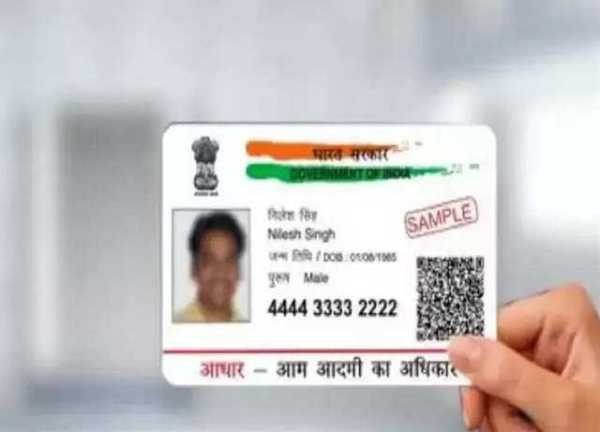
Friends, as we all know that Aadhaar card is an important document for Indians, which is used for government and private work, so there should not be any mistake in it, in such a situation, OTP comes through your Aadhaar card for various works, which comes on your phone number, so it is mandatory to link the current phone number with your Aadhaar card, let's know the easy process of linking-
Steps to update your phone number
Visit the official website: Visit the website of India Post Payment Bank ippbonline.com.
Select Service Request: After coming to the homepage, look for the "Service Request" option and click on it.
Select Non-IPPB Banking: From the available options, choose "Non-IPPB Banking".
Access Doorstep Banking: Click on the "Doorstep Banking" option.
Select Aadhaar-Mobile Update: You will see the option of "Aadhaar-Mobile Update". Check this option to proceed.
Fill out the form: A form will appear. Fill in all the required information correctly.
Submit the form: After completing the form, tap on the “Submit” button.
Wait for contact: The Department of Posts will contact you and visit your home to complete the Aadhaar biometrics enrolment and KYC process.
By following these simple steps, you can efficiently update your mobile number linked to your Aadhaar card without leaving your home.
-
US sanctions China-based crude terminal operator of trading Iran oil

-
Car Rams Into Indore's Palasia Police Station Wall As High-Speed Turn Goes Wrong

-
ITV Emmerdale evil Dr Todd's spouse's identity 'unveiled' and it's not Maya

-
Real Estate Businessman Commits Suicide Amid IPL Betting Losses

-
Shocking Incident in Chhatarpur: Father Attempts to Burn His Children