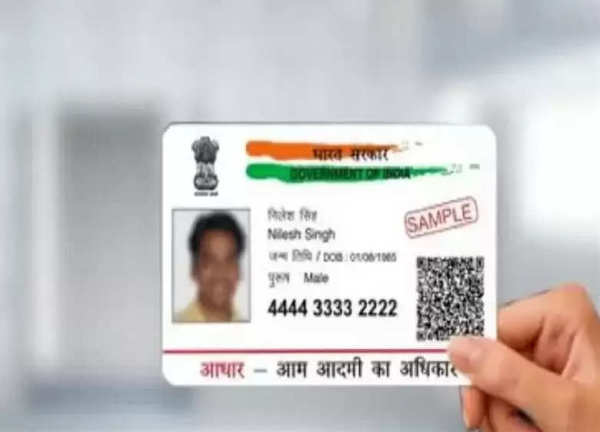
For the Indian public, documents like Aadhaar card, PAN card, ration card, ID card etc. are used for government and non-government work. In such a situation, if we talk about Aadhaar card, then it has become an important document in a few years, which is used for various important tasks like opening an account in the bank, getting a SIM card, taking admission in college and school. But a common problem that people face is losing and damaging the Aadhaar card, which can become a cause of trouble, but luckily you can get a new card, let's know its easy process-
Steps to download your Aadhaar card:
Visit the official website: Visit uidai.gov.in.
Login: On the homepage, look for the "My Aadhaar" section and click on "Download Aadhaar".
Enter your details: Fill in the required information like your Aadhaar number, name and PIN code.
Receive OTP: An OTP will be sent to your registered mobile number. Enter this OTP on the website to verify your identity.
Download PDF: After verification, you will have the option to download your Aadhaar card in PDF format. You can also print it directly from there.
Order PVC Aadhaar Card:
If you prefer a physical card, you can order a PVC Aadhaar card through the same website. There is a nominal fee for this service, and the card will be delivered to your address.
-
Does the food eaten at night become poison in the body? Learn the science behind meal timing and digestion

-
Effect on the body after going out of AC in summer
-
Jabalpur Bargi Dam Cruise Accident: Big action by CM Mohan Yadav, services of 3 employees terminated, one suspended

-
Upcoming Smartphones: Buying a new smartphone? Wait… this powerful 5G device to enter in May

-
Lights off even after recharging? If balance is not shown in prepaid smart meter then complain immediately