New Delhi – In today's time, the Aadhar Card has become a very important document, which has become mandatory almost everywhere. It is accepted as the most important identity proof. From admission to school to buying a house or property, Aadhar card is used everywhere. Aadhar is also needed for tasks like booking a room in a hotel. The Aadhar card is issued by the Unique Identification Authority of India (UIDAI). It is very important to keep it updated, especially the mobile number linked with it. When you get an Aadhar card, the mobile number is registered. If you have changed your mobile number, then it is necessary to update it in the Aadhar card, so that you can get the benefit of services like OTP. UIDAI is an official website that helps you to do Aadhar-related work. To know the linked number in Aadhar, first of all, you have to go to this official website. After this, go to My Aadhaar in the top bar and click on it. Here you will see Aadhaar Services, just below which Verify Email/Mobile Number will be written, you have to click on it. After this, you have to fill in the UID number, mobile number and captcha correctly and submit it. As soon as you click on submit, the information of the mobile number linked to the UID card will be presented in front of you.
Some people have more than one mobile number, and they do not remember which number they had linked with Aadhaar. It is very important to know this because many government and private services require OTP, which is sent only to the mobile number linked to Aadhaar. If you have also forgotten which mobile number is linked to Aadhaar, then there is no need to panic. UIDAI has provided an easy process to know this, by adopting which you can do this work in a jiffy sitting at home.
Go to UIDAI's official website https://uidai.gov.in/
Click on the My Aadhaar section here.
Go to the Aadhaar Service option here.
Click on Verify an Aadhaar Number in the Aadhaar Service.
Enter your 12-digit Aadhaar number.
Enter the Captcha code correctly.
Now click on Proceed to Verify.
On doing this, the last three numbers of your mobile number linked to Aadhaar will be visible.
If no mobile number is linked, then the numbers will not be visible here.
-
Who was Ravana’s daughter, who is considered the goddess of good fortune, statues and pictures are found in temples too – News Himachali News Himachali

-
Citizenship Rules 2026 implemented: Major changes in appeal, biometric and e-OCI

-
Skip Bali and Maldives: Discover 5 Crowd-Free Hidden Beaches in Goa

-
6 Healthy Sandwiches That Feel Light And Fresh On Summer Mornings

-
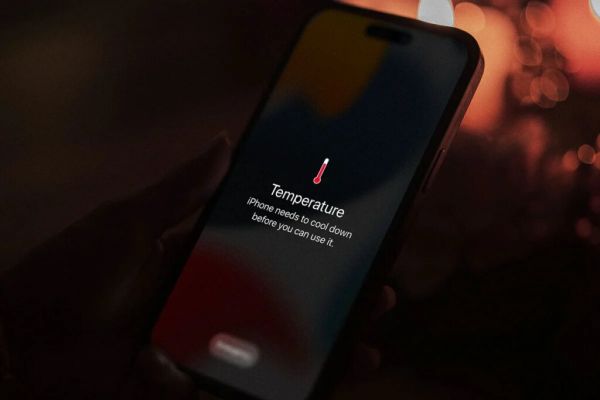
Is the iPhone overheating? If you make this mistake, doom!