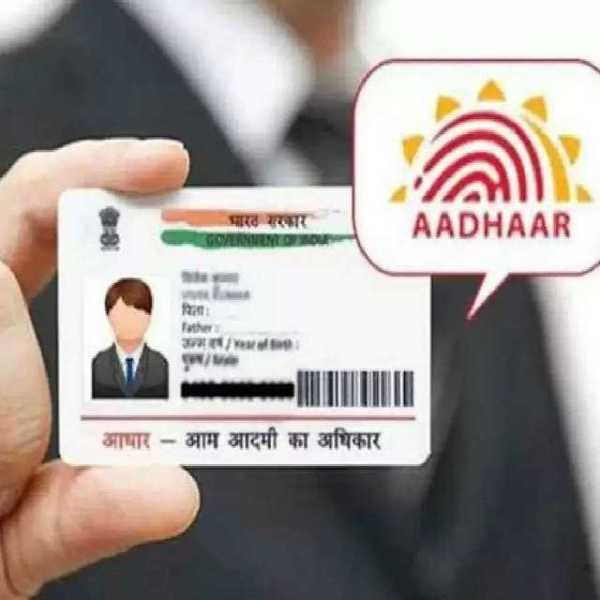

We do not need to tell you that an Aadhaar card is a very important document for Indian citizens, which is used for various government and non-government works, with its importance, it is important to link your Aadhaar card to the existing phone number. If an old number is linked to your Aadhaar card, then it is necessary to update it, let us know how you can update the mobile number in your Aadhaar card sitting at home, let's know about it-
India Post Payment Bank (IPPB) offers a convenient way to update your Aadhaar-linked mobile number. Here's how you can do it:
Visit IPPB website
Visit the official website of India Post Payment Bank: IPPB Online.
Go to Service Request
On the homepage, look for the “Service Request” option and click on it.
Select Non-IPPB Banking
Select the “Non-IPPB Banking” option.
Select Doorstep Banking
Click on “Doorstep Banking” from the available options.
Select Aadhaar-Mobile Update
Find and select the “Aadhaar-Mobile Update” option.
Fill the Form
A form will appear where you have to enter your details. Fill in the required details.
Submit the Form
After completing the form, click on the “Submit” button.
Wait for the Home Visit
The postal department will contact you and fix a time to visit your home. They will complete the Aadhaar biometrics enrolment and KYC process at your address.
-
No time to prepare the roast! Then make Crispy Onion Thalipeeth in 10 Minutes, Note Instant Recipe

-
New Glass Bridge in Telangana: Thrill and Employment Opportunities

-
Arunachalam Muruganantham became the world’s hero! ‘Padman’ nominated for Nobel Peace Prize

-
Zebronics Zeb-PixaPlay 77G Smart Projector Launched; You will get many best features

-
Emergency Alert- Alert will be received before earthquake or cyclone, indigenous emergency alert system launched