Aadhaar biometric data can be misused to carry out fraudulent financial transactions, obtain mobile and internet connections and even ...Read more
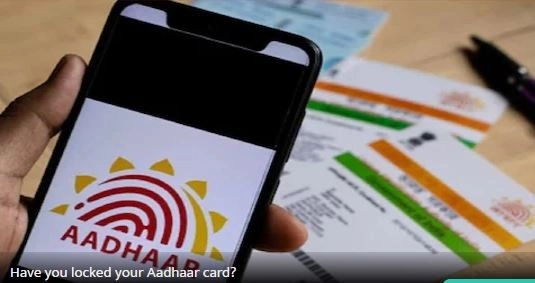
New Delhi. Aadhaar biometric data can be misused to make wrong financial transactions, gain mobile and internet connections and even steal identity. In such a situation, it is important for citizens to keep their biometric data safe. To prevent misuse of Aadhaar-Enabled Payment Services (AEPS) or biometric information, citizens can lock their biometric data until they need authentication for some correct work.
Locking Aadhaar biometrics allows Aadhaar cardholders to protect their personal and biometric information. This includes fingerprint, iris scan and facial recognition data. Locking biometric data can prevent any unauthorized access to bank accounts linked to that Aadhaar card or misuse of the data. It is important to note that once you lock your biometrics, you cannot use them for Aadhaar verification until it is unlocked.
Also note that even after locking the biometric data through the UIDAI website, Aadhaar can still be verified using the OTP sent to the citizen's registered mobile number.
Here's how to lock your Aadhaar biometric data:
- First of all go to the UIDAI website/mAadhaar app. The web address of the official UIDAI website is myaadhaar.uidai.gov.in.
- You can access and lock your biometrics data through the UIDAI website or mAadhaar app.
- As soon as you visit the UIDAI website or download the app, you will have to log in to your Aadhaar account using your Aadhaar number and the OTP received on your registered mobile number.
- Then after going to the My Aadhaar section, you will get the option to lock/unlock biometrics. Once you are there, you will be asked to re-enter your Aadhaar number and verify it with OTP.
- After this, if you want to lock it then click on Lock Biometrics and if you want to unlock it then click on Unlock Biometrics.
-
Lucknow Super Giants Edge Royal Challengers Bengaluru in Thrilling Encounter

-
Word of the day: Plausible

-
Bumble to remove swipe after 21% paid-user loss, CEO says

-
IPL 2026: Marsh, Prince shine as RCB falls nine runs short to LSG in a thriller

-
IPL 2026 LSG vs RCB Match 50: Full Stats Review and Major Milestones