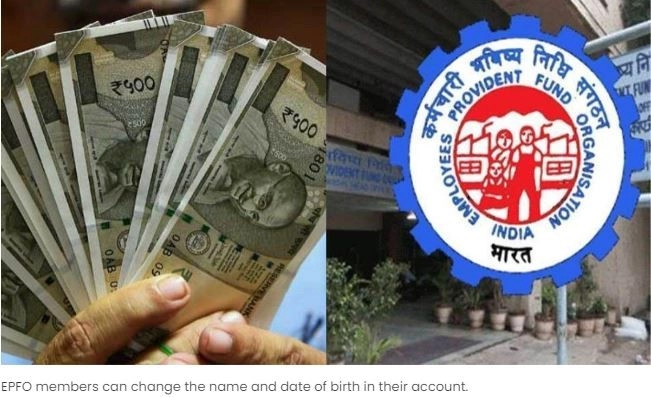
Change Name In EPF Account: If You Are A Member Of EPFO And Want To Make Any Changes In Your Account, You Can Do It Online Without Filling Any Form. Earlier, Employees Had To Submit A Joint Declaration Signed By The Employer, But Now It Is Not So. EPFO Members Can Make 11 Changes Online.
HIGHLIGHTS
- If you are employed then you would be aware of the PF account.
- PF account is a better saving scheme for retirement.
- There are 11 ways in which you can update your PF account information.
Business Desk, New Delhi. Change Name in EPF Account: If you work in a government or private company, then some part of your salary will be deposited in the 'Employees Provident Fund'. This money is deposited to secure your future. Currently, the government is giving 8.25% interest on EPFO.
The amount deposited in EPFO is a support for old age. At the same time, some funds can be withdrawn in case of emergency. Many times the name or date of birth in the PF account is wrong and does not match the information given in the Aadhar card. In such a situation, it becomes very difficult to withdraw money later. If there is any wrong information in your PF account, then you can get it corrected.
You Must Apply Online First
If the information given in your PF account does not match with the Aadhar card, then you can correct it online. For this, the employee has to first apply. Then the application is approved by the employer. After this, the EPFO officer checks the correction and updates the account.
First of all go to the EPFO portal. Login by entering UN and password.
- On the home page, select Manage > Modify Basic Details.
- Fill in the correct information. After this the system will verify it with the Aadhar card data.
- After filling the information, click on update details. After this the employer will complete the further process.
What The Employees Can Change Through Online Mode
Name of member
- Gender of member
- Date of birth
- Father's or Mother's Name
- relationship
- marital status
- Reasons for leaving the job
- nationality
- Base
-
Did You Know? Now, Instead of Form 16, You Will Receive Form 130! How Much Has Income Tax Changed—From PAN to TDS?
-
Plug Pins: Why do phone chargers have 2 pins, but laptops have 3? 90% of people don't know the secret behind the third pin..
-
Your Phone Will Now Operate Based on Your Habits—This Feature Is Coming to Android
-
Kerala CM-Designate VD Satheesan Meets Pinarayi Vijayan Amid Transition Of Power
-
DK Shivakumar Claims SIR Exercise Meant To ‘Cut’ SC, BC, Minority Votes In Karnataka