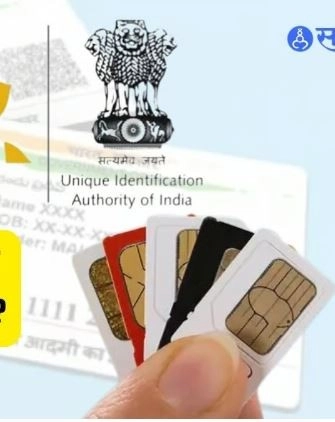
SIM Card Tips : In the modern world, mobile phone is not only a means of communication but has become essential for many important facilities. This often increases the possibility of abuse. One of these is getting a fake SIM on your Aadhaar card.
How many SIM cards are active in your Aadhaar number?
Telephone Fraud Control Portal (TAFCOP):
Visit the website https://tafcop.sancharsaathi.gov.in/
Enter your Aadhaar number and OTP.
Click the "Open" button.
You will see how many SIM cards are linked to your Aadhaar numb
USSD Code:
Call *150#.
You will get information about the SIM card linked to your Aadhaar number
What to do if you find a SIM not linked to your Aadhaar number?
1.Report on TAFCOP Portal: Go to TAFCOP portal as above.
Click on "This is not my number" option.
Click on the "Report" button.
That SIM card will be delinked with your Aadhaar number within 48 hours.
2.Contact Mobile Operator:
Call your registered mobile operator and report the fake SIM to be blocked.
3. Report to the police:
If you feel that your Aadhaar number is being misused, you can file a police complaint.
Some tips to keep your Aadhaar number safe Do not share your Aadhaar number with anyone. Regularly check the SIM linked to your Aadhaar number. Inform your mobile operator immediately if your SIM is lost or stolen. Use strong passwords and change them regularly Install anti-virus and anti-malware software on your mobile phone. By following these precautions you can keep your Aadhaar number and with it your SIM card safe.
All above information is as on 2nd July 2024. SIM card regulations may vary from state to state in India. You can contact your local telecom operator for more information.
-
Recipe : Don’t throw away the leftover stale rice, make crispy bhaji from it, note down the recipe

-
Google Fitbit Air: Google Health App And Health Coach AI To Unify, Tracks Wellness, Medical Data, And Presonalised Data—Check Pricing And All Details

-
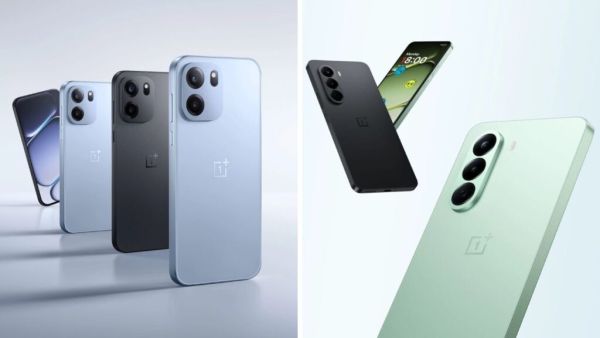
Double bang of OnePlus in India! 8,000mAh battery and Snapdragon processor… read the price of the smartphone and you will say, wow!
-
Are your Instagram DMs safe? Why is end-to-end encryption suddenly shut down worldwide?
-
Etihad Stadium Name Change: Why Manchester City Are Changing Their Home Stadium Name After 15 Years Ahead of Brentford Clash