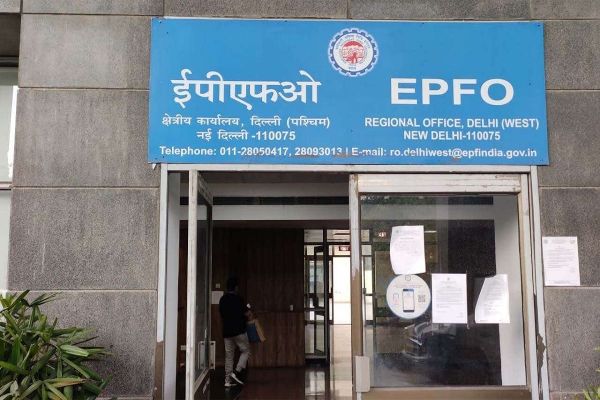
Employees’ Provident Fund Organization (EPFO) members now get most of the facilities online. If AADHAR number is linked to the mobile it is very easy to update different information related to your EPF account. You can update it through EPFO or Umang app. But you need to register the mobile number with your PF account to receive an OTP on this number.It is also important to check that the mobile number you register on your PF account needs to be active. In case the mobile number you registered in the EPFO account no longer works you can change it sitting at home.How To Update New Mobile Number On EPFO?Login to UAN Portal on your laptop or mobile through link Enter your UAN number, password and captcha code to login.After successful login it will take you to the new page, click on the manage tool tab present in the top bar and go to contact details.Click on check mobile number option, it will take you to the new section. Enter your new mobile number twice over here.Then click on ‘Get Authorization Pin’, you will see a new number. You will recive a 4 digit PIN on this number. Enter this PIN in the empty box present on the page and click on Save Changes below.After completing this process, your mobile number will be updated on the UAN Portal. You will also receive a message from EPFO about the update of the new number.
-
'From collection to connection': How museums are redefining themselves

-
May global fiction: New novels from Booker favourites Douglas Stuart and Elizabeth Strout, and more

-
Tragic Train-Bus Collision in Bangkok Claims Lives

-
Satwik-Chirag storm into Thailand Open 2026 doubles final

-
Strengthening India-Bangladesh Relations: A Local Dialogue Approach