You can check the subsidy on gas cylinder on your mobile phone like this, the method is quite easy
ABP | May 23, 2024 10:24 AM CST
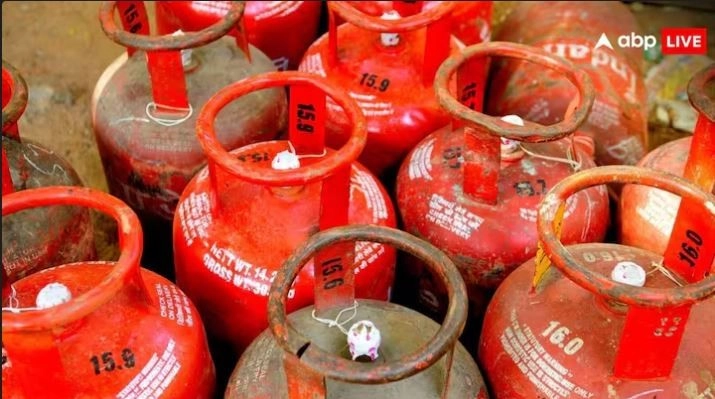
LPG Subsidy: If you have also taken LPG connection under the Central Government's Pradhan Mantri Ujjwala Yojana, then you are also entitled to subsidy. In this way you can check on your phone whether you are getting subsidy or not.
Now almost every household in India uses APG gas cylinders. APG gas cylinders have reached even the remote areas of villages.
1 /6
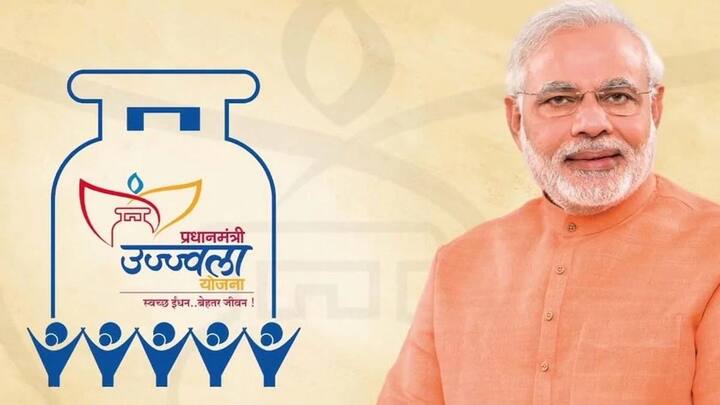
The Central Government has also played a very important role in this. The government's Pradhan Mantri Ujjwala Yojana has distributed free connections and gas cylinders to poor people. Under the Ujjwala scheme run by the government, those taking gas connections are being given subsidy by the government.
2 /6
If you have taken a gas connection under the Ujjwala scheme and you do not know about the subsidy, then you can find out about it from your mobile phone itself.
3 /6
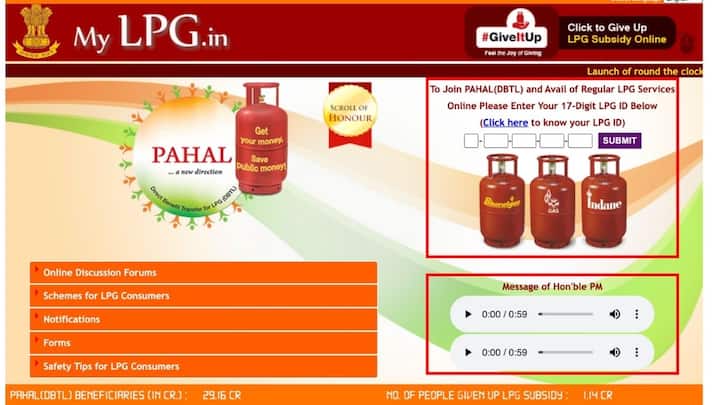
To check about subsidy online, first of all you have to open the internet browser in your phone. After this, you have to go to the official website of My LPG www.mylpg.in.
4 /6
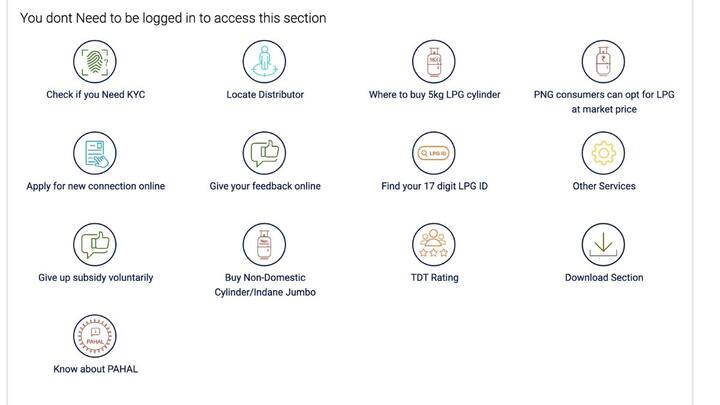
After this you have to click on your gas company. After this you have to click on Give Your Online Feedback. And then you have to click on LPG.
5 /6
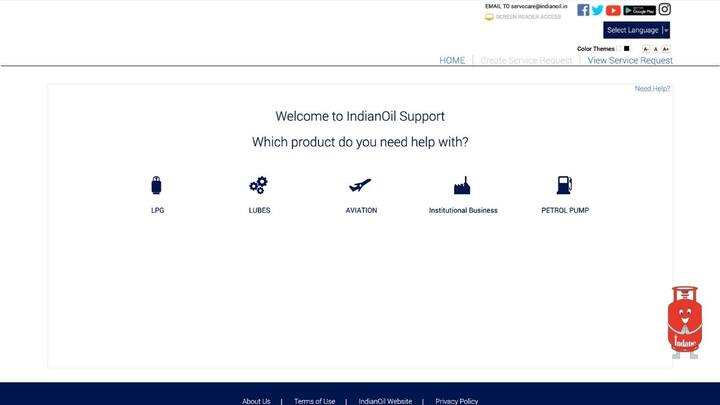
After this, you have to click on Subsidy Related in the category given and Subsidy Not Received in the sub category. Then you will have the option to enter mobile number and twelve digit LPG ID number.
6 /6
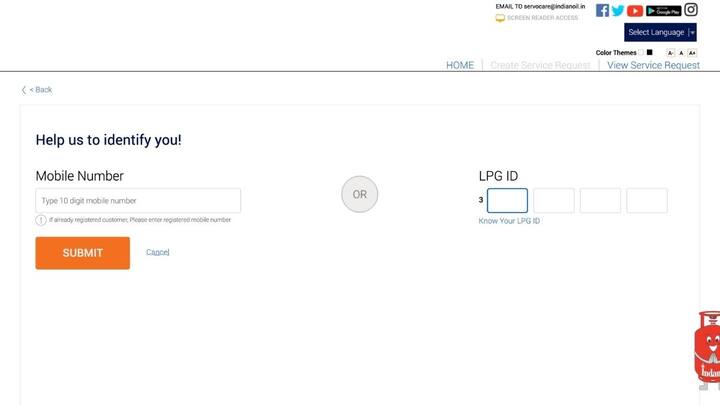
You enter the mobile number or LPG ID number and click on Sumbit. After this the subsidy page will open in front of you. Where you will get complete details. When and how much subsidy has come?
READ NEXT
-
IPL 2026: Home ground is just in name, we have no control over the pitch… DC coach expressed pain after the defeat to CSK
-
‘Backstabbed’: DMK fumes as Congress backs Vijay’s TVK in Tamil Nadu
-
IPL 2026: Finch hails Samson’s match-winning 87* for CSK vs DC
-
Rohit Sharma agreed to play only when Pandya was out? ‘Mahabharata’ in Mumbai Indians – News Himachali News Himachali
-
Mini Thailand in India: Greenery, waterfalls and peace… Mini Thailand is here in India, the views will win hearts