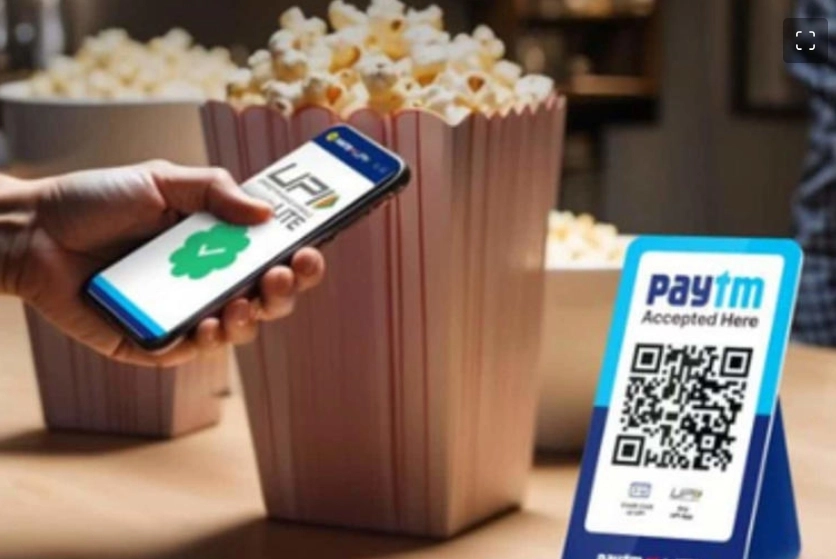
New Delhi. When the Reserve Bank tightened its grip on Paytm's payment bank, the company made a big move on the UPI wallet. Paytm, which was once considered the country's top app in digital payments, is currently going through difficulties and after RBI's action, users were disillusioned. From small shopkeepers to buyers, everyone started moving away from Paytm's app to options like Google Pay and Phone Pay. But now the company has made a big move keeping the small customers in mind. Paytm has launched a new feature called UPI Lite Wallet, which will not only free users from the hassle of entering their PIN again and again but will also be very easy to use. After all, the whole process of how this wallet works and how you can activate it in your app is very easy.
UPI Lite Wallet, as the name suggests, is used for light payments. This wallet allows adding Rs 2000 at a time and this can be done twice a day. This means that Rs 4000 can be spent in a day from the Lite Wallet. This wallet is very useful for small users who pay for small purchases during the day.
How much payment is possible at one time
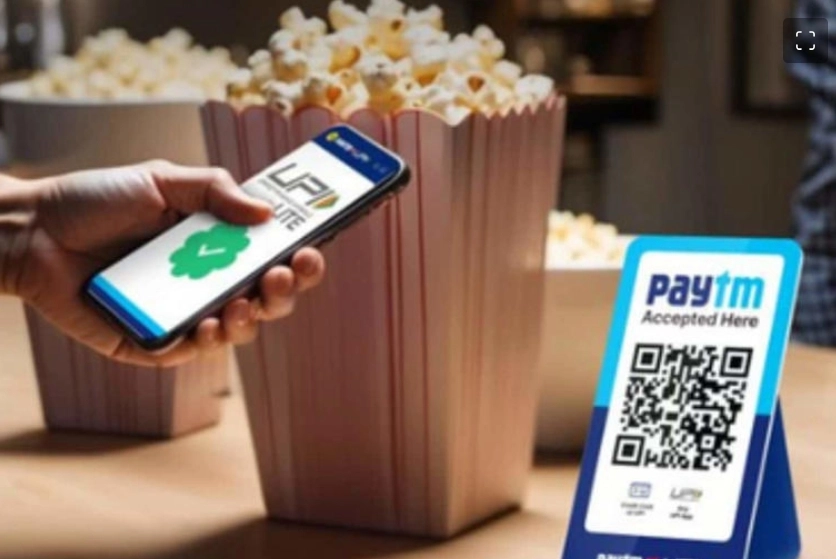
It has to be kept in mind that only up to Rs 500 can be paid at a time from this wallet. However, you will not need to enter the PIN again and again for this payment. For this, the company has partnered with Axis Bank, SBI, HDFC, and Yes Bank, so that users can get good service. Apart from Paytm, PhonePe and GooglePay also provide UPI Lite Wallet facility.
How to activate this feature
- First of all open the Paytm app and click on the 'UPI Lite Activate' option on the home screen.
- Select your bank account which you want to link to add money with UPI Lite.
- Enter the amount to add to the wallet.
- Verify mobile PIN to create a UPI Lite account.
- After this, your UPI Lite Wallet account will be activated and you will be able to add money and make payment without entering the PIN.
Where can you use it?
You can make a payment by scanning any QR code with UPI Lite Wallet. If you want, you can also make payment with UPI Lite by selecting a mobile number or a name in your contact list. If you make a payment using any of these options, there will be no need to enter the PIN again and again.
-
Gold loans power Small Finance Banks' growth as microfinance asset quality weakens

-
US, Iran no closer to ending war as Qatari tanker sails toward Strait of Hormuz

-
Mature hands for money: India’s next economic reform lies in building financially aware households
-
Curb your overenthusiasm: Why India must avoid early overregulation while drafting rules for new tech

-
One gap narrows, another widens