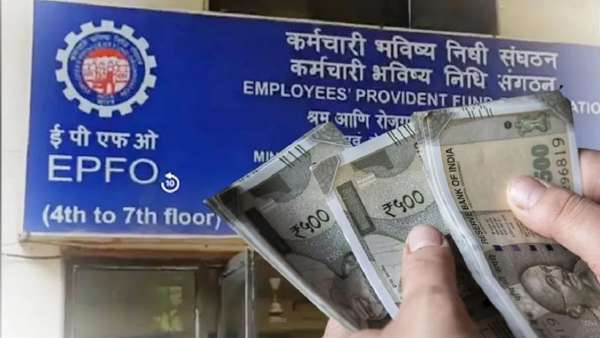
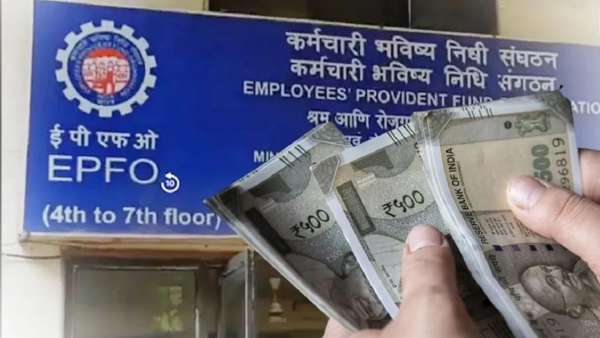
New Delhi: Besides deducting from salary of employees, money is also deposited in PF account by the organization. It is the responsibility of the company to deposit the money. But, many times there are complaints that the company does not deposit its share in the employee's account. That is, the employees whose PF is being deducted should know whether their organization is depositing money in their PF account or not.
Deposit in EPFO is mandatory for companies employing 20 or more employees. 12 percent of the basic salary of the employee is deposited in the account and an equal amount is deposited by the company. Customers can check their PF balance at home.
Check PF Balance Online
You can check your PF balance online through the EPFO website (epfindia.gov.in). For this, you need to provide your UAN number, password and captcha code. Then click on e-Passbook. A new page will open. Open Member ID there. After that you will be able to check your PF balance.
Download Umang app on your mobile. Click on EPFO in the app. Click on Employee Centric Services. After that, click on View Passbook and enter your UAN and password. You can check the PF balance by entering the OTP received on the mobile number.
You can also check balance through missed calls. The mobile number is 011-22901406. After giving missed call you will get account information through SMS. By checking the balance in this way, you will be sure whether your company is paying properly or not.
-
Congo opens more treatment centres after rare Ebola strain kills 120

-
Centre imposes undeclared lockdown, claims Punjab CM

-
After Haryana woman delivers baby at hospital gate, govt issues directives

-
West Bengal govt clears prosecution of ex-RG Kar principal

-
Boiler blast in Madhya Pradesh kills one, injures several