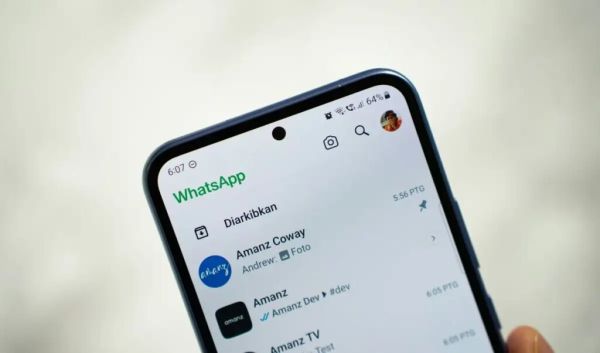
New feature of WhatsApp
WhatsApp is currently the world’s most prominent messaging platform. Users can use it with different numbers for personal and business purposes. In this situation, frequently changing mobile phones or carrying another device can create a lot of difficulty.
However, now there is a good news that iPhone users can add another WhatsApp account on the same device without any third-party application or open another WhatsApp account on their iPhone. Let us know about it in detail-
Inbuilt feature support
Inbuilt feature will help
WhatsApp is now providing its users with such a feature in iPhone, through which they can use two different accounts in the same app. There is no need to download any additional applications for this. Only the second WhatsApp account should already be active. After this, login through OTP.
How to add someone else’s WhatsApp account?
How to use someone else’s WhatsApp on your iPhone?
If you want to add someone else’s WhatsApp account to iPhone, follow the following steps-
– First of all open WhatsApp application.
– Then click on the Settings option given below.
– Click on your profile photo or name.
– Click on Add Account option from here.
– After this enter the second mobile number.
– From here you can use someone else’s WhatsApp account through QR code.
– Complete OTP verification for the new number.
Once the setup is complete, add the second account to your iPhone.
switch between accounts
Switching is also easy
Once you add the second account, you can easily switch between the two accounts as per the need. This will make it much simpler to manage personal and office chats separately.
-
Referee Announced for Belgium vs Egypt World Cup Clash

-
FIFA World Cup 2026: Dutch Fans Disappointed After 2-2 Draw Against Japan

-
Strait Of Hormuz To Be 'Completely Open' From Friday, Says Trump As Iran, US Reach Truce

-
WATCH: US B-52 Bomber Bursts Into Flame After Crashing In California, All 8 On Board Dead

-
USMNT World Cup diary: Focus shifts to Australia as Matt Turner enjoys his Angels moment and Tyler Adams stays aggressive despite yellow-card warning