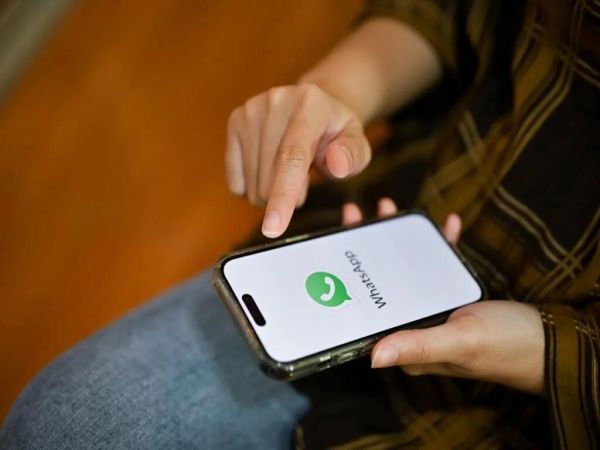
Friends, if you are an iPhone user then there is a big news for you. For many years, iPhone users were waiting for an easy way to use two WhatsApp accounts on the same device. That wait is now over. WhatsApp has officially launched support for multiple accounts on iPhone, allowing users to run two different WhatsApp accounts in the same app. Let us know its complete details
Use personal and work numbers on one iPhone
In today’s fast-paced world, many people have separate mobile numbers for personal and professional conversations. Until now, iPhone users had limited options—they had to either install the WhatsApp Business app or use an additional smartphone.
With this new update, both numbers can now be easily managed through the standard WhatsApp app, making conversations more streamlined and hassle-free.
Use two WhatsApp accounts on the same iPhone.
No need for WhatsApp Business or other devices.
Easily switch between personal and work accounts.
Different chat, notification and privacy settings for each account.
Supports both physical SIM cards and eSIM.
The feature is being gradually rolled out to iPhone users across the world.
How to add another WhatsApp account on iPhone
Open WhatsApp and go to Settings.
Tap the arrow icon next to your profile name.
Select ‘Add Account’.
Follow the on-screen instructions to verify your second mobile number.
Once setup is complete, the second account will be activated in the same app, allowing you to switch between accounts as needed.
Different settings for each account
WhatsApp has designed this feature in such a way that both the accounts remain completely separate.
This means each account will have the following:
chat history
Notification
Privacy Settings
Profile Information
Backup Preferences
Users can also customize notification settings individually, making it easier to differentiate between personal messages and work- conversations.
Second mobile number is required
To use this feature, you must have a second mobile number. The number can be linked in these ways:
Physical SIM card, or
eSIM supported by your iPhone.
After successful verification, both the accounts can be easily used in the same WhatsApp app.
iPhone has finally caught up with Android
Android users have been enjoying dual WhatsApp account support for quite some time now. By bringing this feature to iPhone, WhatsApp has significantly reduced the gap between the two platforms and given them one of the most sought-after features by Apple users.
-
FIFA World Cup 2026 Kicks Off in Style: Shakira, Burna Boy Light Up Mexico City as Hosts Beat South Africa

-
Struggles of Former Indian Football Star Anjana Saikia

-
'Bharat Bhhagya Viddhaata' review: A gripping account of uncommon courage against terror

-
IGNOU Opens PhD Admission for July 2026 Session

-
Midnight blaze in Delhi apartment kills three, leaves two critical