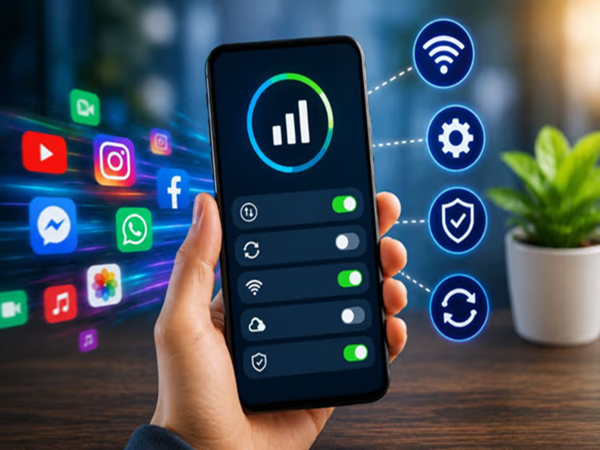
Mobile Data Saving Tips 2026: Nowadays, it feels difficult to even start the day without a smartphone. From watching Reels to video calls, online classes, and social media, almost every activity relies on the internet. Many users complain that despite purchasing expensive data plans, their data runs out very quickly. Often, specific phone settings are responsible for this. By adjusting these settings, you can significantly reduce data consumption without needing a new recharge.
Data Saver Mode Works Wonders
Almost all Android and iPhone smartphones come with a 'Data Saver' feature, yet many people do not use it. This feature limits internet usage by apps running in the background, thereby saving data. When Data Saver mode is on, only essential apps get internet access, and non-essential activities are curtailed. This curbs hidden data consumption caused by social media, gaming, and other apps. If your data runs out quickly every day, activating this feature should be your first step. Android users can enable it via the 'Network & Internet' section in Settings.
WhatsApp and App Updates Silently Consume Data
Photos, videos, and documents received on WhatsApp throughout the day often download automatically without you realizing it. This rapidly depletes mobile data; the consumption increases further if the 'auto-download' feature is enabled. Additionally, apps installed from the Google Play Store or App Store frequently download updates in the background. Large updates can sometimes consume hundreds of megabytes of data. It is advisable to turn off WhatsApp's auto-download setting and select the "Over Wi-Fi Only" option for app updates. This ensures you still receive necessary updates while saving mobile data.
Keep Background Data in Check
Our phones often contain apps that go unused for days or weeks. Despite this, these apps continue to use the internet in the background. Apps related to weather, news, shopping, and others frequently sync data, causing it to run out quickly. Disabling background data for such apps can save a significant amount of data. To do this, go to your phone's settings, open the 'Apps' section, and turn off background data access for apps you rarely use. This method can prove especially beneficial for users with limited data plans.
**Location and Background Services Also Play a Role**
Often, users are unaware that location services remain active on their phones. When location services are on, various apps frequently update your location, leading to increased internet data consumption. Apps related to maps, food delivery, cab services, and social media are the biggest users of location data. It is better to turn off location services when they are not needed; this not only saves data but also improves battery life. Experts believe that disabling unnecessary background services can significantly control mobile data consumption.
**Small Settings, Big Benefits**
Rapid data depletion isn't always caused by network issues or the recharge plan itself; often, the phone's default settings are the culprit. Small adjustments—such as enabling 'Data Saver' mode, disabling WhatsApp auto-downloads, restricting app auto-updates to Wi-Fi only, limiting background data, and turning off location services—can substantially reduce your daily data usage. By managing these settings effectively, you may reduce the need for expensive recharge plans and ensure your internet pack lasts comfortably throughout the day.
Disclaimer: This content has been sourced and edited from TV9. While we have made modifications for clarity and presentation, the original content belongs to its respective authors and website. We do not claim ownership of the content.
-
Why is bread served with pasta? Italy’s special tradition is hidden behind this

-
Sun Protection: Make These 3 Natural Face Packs at Home

-
How To Ripen Mangoes Naturally At Home Without Chemicals

-
How costly can cosmetic surgery be? Know from these 10 FAQs

-
Apple’s biggest child safety upgrade yet? WWDC26 brings new controls for parents