pc: navarashtra
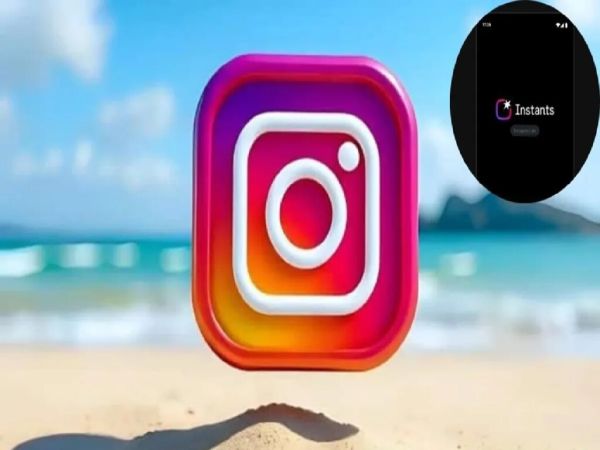
Recently social media platform Instagram has launched a new app named Instants. Instagram has brought Instants to make the photo sharing experience more fun and to compete with Snapchat. You can access Instants from Instagram or its separate app is also available. This app is designed to share real and disappearing photos. After the roll out of Instants, many users have started complaining. Many people did not like this new change very much. If you also do not like Instagram’s new Instant platform, then you can turn it off. For this you will have to follow some process.
How do Instants work?
Instagram is giving information about Instants through pop-up notifications. Instants appear as a mini photo stack in the Instagram inbox. After tapping on this mini photo stack, information about the new feature is being shared with the users. Like how the feature works, etc. After opening Instant, you will see a shutter button below the camera and below that you can choose between Friends and Close Friends. Instant is set to Friends by default. When you click the shutter button, the captured photo is sent to your friends. If you’re sharing a photo with a close friend, you’ll have to manually select the close friend.
Instagram hasn’t clarified the process for sending photos via Instant. Because of this, users are sharing photos with people on their friends list on Instagram with whom they do not want to share photos. An undo option is also available in this. However, this option only works until the user in front of you opens the photo you sent. Many users have complained that they don’t even understand when a photo is shared to Instant. This has caused a lot of confusion among the users. Many people are now looking for a way to turn off this option.
This is the process to close Instant
To turn off Instant on Instagram, first go to your profile and tap the three-lined menu that appears at the top right of the screen. Now open Settings. Now go to Content Preferences section. Here you will see “Hide Instants in Inbox” option. Now turn on the toggle in front of it. You will no longer see Instants in your inbox. Remember that after turning on the toggle, you will not be sent Instants even from your friends.
-
These two banks issued downtime alert, many services will remain closed on May 17, transactions will be disrupted

-
Delhi BLO Survey 2026: Rules changed! Getting voter card made or corrected in Delhi has become easier, see new government order
-
Chinese night market vendor makes $7,400 a month selling fried rice in suit

-
Even my room isn’t mine: my life in a joint family

-
Neuroscience Says Quantum Jumping Timelines Can Genuinely Change Your Life