CBSE Class 12 Result 2026 Released: The Punjab School Education Board (PSEB) officially announced the Class 12 results on May 13. Out of a total of 265,417 students who appeared for the exams, 242,755 successfully passed, resulting in an overall pass percentage of 91.46%. This year's pass rate shows an improvement compared to last year's figures. The CBSE had previously released the Class 10 board exam results on April 15, 2026, but did not publish the results for both classes simultaneously this year.
Passing Percentages Over the Last Six Years CBSE Board 12th Result: Last Six Years' Passing Percentages
- 2025 – 88.39%
- 2024 – 87.98%
- 2023 – 87.33%
- 2022 – 92.71%
- 2021 – 99.37%
- 2020 – 88.78%
The board shared this information on social media.
How to Download Marksheet Online Steps to Download Marksheet Online
Step 1: Visit the official board website – cbse.gov.in or results.cbse.nic.in.
Step 2: Click on the 'CBSE 12th Result 2026' link on the homepage.
Step 3: Enter your roll number, school number, admit card ID, and date of birth (DOB).
Step 4: After filling in the details, click the submit button.
Step 5: Your CBSE Class 12 Result 2026 will be displayed on the screen.
Step 6: Download the PDF of the marksheet, print it, and keep it safe.
Accessing CBSE Results via DigiLocker and UMANG App Accessing CBSE Results via DigiLocker
Step 1 – Go to digilocker.gov.in or open the DigiLocker app.
Step 2 – Log in using your mobile number or Aadhaar number.
Step 3 – Enter the OTP sent to your registered mobile number.
Step 4 – After logging in, navigate to the 'Issued Documents' section.
Step 5 – Select CBSE from the list of boards.
Step 6 – Choose 'Class 12 Marksheet' as the document type.
Step 7 – Enter your roll number and other required details.
Step 8 – Your CBSE Class 12 Marksheet will be displayed, and you can download it.
Using the UMANG App
Students can follow these steps to view their results using the UMANG mobile application:
Step 1 – Download or open the UMANG app on your smartphone.
Step 2 – Search for the CBSE results section in the app.
Step 3 – Enter your roll number and other necessary login details.
Step 4 – Provide your school number and admit card ID.
Step 5 – Submit the information to view your result instantly.
Step 6 – Download and save the digital marksheet for future reference.
-
Tired of always eating kandapohe-upma? Then make beetroot idli for kids in the morning breakfast, note the recipe

-
Benefits of Banana: What will happen if you eat a banana daily, you will see amazing changes; Get started today

-
Heat wave: health crisis and prevention measures

-
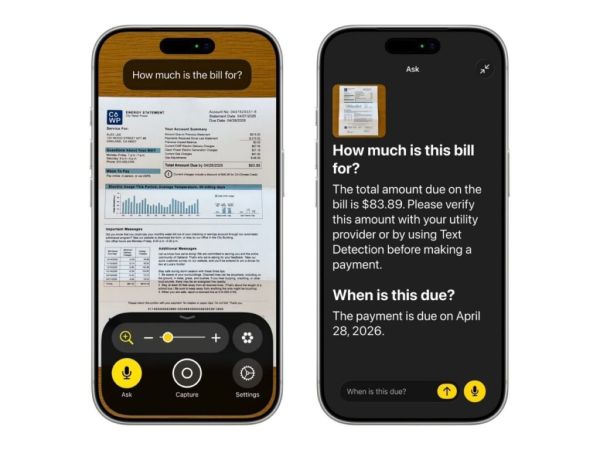
Apple Launches AI-Powered Accessibility Features: Smarter VoiceOver, Auto Subtitles, And Vision Pro Wheelchair Support — Check All New Features Inside
-
EPFO Balance Check : You can check your PF balance with just one Hello, know this feature step by step