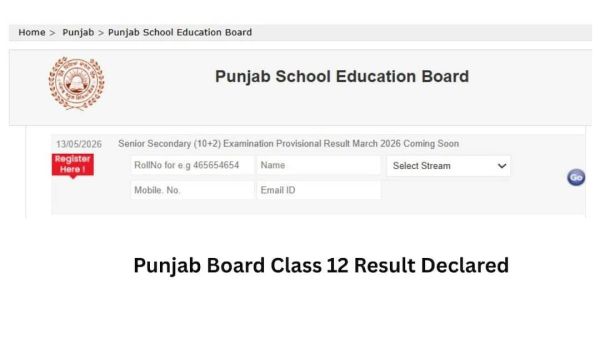
How to Check PSEB 12th Result 2026
Step 1: Visit the official website of the Punjab School Education Board at PSEB.
Step 2: On the homepage, click on the link for “PSEB 12th Result 2026”.
Step 3: A new page will open where you need to enter your login details, such as your roll number and application number.
Step 4: Click on the “Submit” button to proceed.
Step 5: Your results will be displayed on the screen.
Step 6: Check your marks carefully and download the result page.
Step 7: Take a printout of the result for future reference.
What to Do After Downloading Your PSEB 12th Result?
After checking the Punjab School Education Board Class 12 result, students should follow a few important next steps:
- Download and print a copy of the provisional result for immediate reference and use.
- Collect the original marksheet and certificates from your school once they are issued.
- If you are not satisfied with your marks, you can apply for re-evaluation or scrutiny through the official board process within the given time period.
- Students who do not pass in one or two subjects can apply for compartment or supplementary examinations, usually held in August–September.
- Start planning for higher studies by exploring suitable courses and colleges based on your stream, Science, Commerce, or Arts and their eligibility requirements.
If you are preparing for competitive examinations or aiming for higher education, it is important to focus on strong preparation and a clear understanding of key subjects.
-
Why Sweeping And Mopping Can Be Good For Your Mind

-
Why Sweeping And Mopping Can Be Good For Your Mind

-
Thai woman hosts engagement ceremony for husband’s second wife

-
Why More DIY Creators Are Choosing Simple Apparel Setups Instead of Large Printing Studios

-
Olivia Rodrigo picks “The Cure” as favorite album track