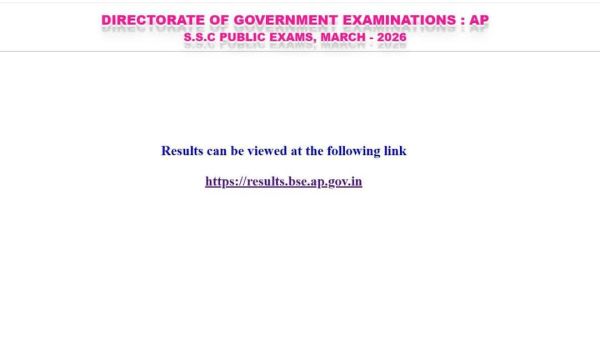
The Board of Secondary Education, Andhra Pradesh (BSEAP) has officially released the AP SSC (Class 10) Results 2026. Students who appeared for the public examinations can now access their marks online by visiting the official website at bse.ap.gov.in.
To view their results, candidates must enter their Hall Ticket Number or Roll Number along with their Date of Birth, as mentioned on their admit cards. With a massive number of students checking their results simultaneously, the official portals may experience heavy traffic during peak hours.
Direct Link To Check - AP SSC 10th Result 2026
🚨 SSC Public Examinations, March 2026 Results are now live 🚨
— Lokesh Nara (@naralokesh) April 30, 2026
Students can access their results through:
• Official Portal: https://t.co/jyZPaxr5Q9
• Mana Mitra (WhatsApp Governance): Send “Hi” to 9552300009
• LEAP Mobile Application
• DigiLocker
Results are also available…
AP SSC Result 2026: Official Websites to Check
Students can download their AP Class 10 marks memo through multiple platforms to avoid inconvenience. The official websites include bse.ap.gov.in and results.bse.ap.gov.in. In case of slow loading or technical glitches, alternative platforms such as DigiLocker and manabadi.co.in are also available for checking results.
These options ensure that students can access their scores smoothly without delays, even during high traffic periods.
How to Check AP SSC 10th Result 2026 Online
Step 1: Visit the official BSEAP website at bse.ap.gov.in
Step 2: On the homepage, click on ‘SSC Public Exam Results 2026’
Step 3: Enter your Roll Number or Hall Ticket Number
Step 4: Click on the ‘Submit’ button
Step 5: Your result will appear on the screen
Step 6: Verify all details carefully
Step 7: Download and save the marksheet
Step 8: Take a printout for future use
How to Check AP SSC Result 2026 on Manabadi
Step 1: Visit the official website at manabadi.co.in
Step 2: Click on the ‘AP SSC Result 2026’ link on the homepage
Step 3: Enter your Roll Number and Date of Birth
Step 4: Submit the details
Step 5: View your result on the screen
Step 6: Download and save a copy
Step 7: Take a printout for future reference
How to Check AP SSC Result 2026 via DigiLocker
Step 1: Open the DigiLocker app or visit digilocker.gov.in
Step 2: Register or log in using your mobile number
Step 3: Complete verification using Aadhaar details
Step 4: Go to the “Education” section
Step 5: Select the relevant board and result link
Step 6: Enter required details (if asked)
Step 7: View your digital marksheet
Step 8: Download and save it for future use
AP SSC Exams 2026: Key Highlights
The AP SSC Class 10 examinations were conducted between March 16 and April 1, 2026. This year, over 6 lakh students appeared for the exams conducted across the state. The result announcement marks a crucial academic milestone, helping students plan their next steps in higher education.
-
EUT20 Belgium Is Bringing Cricket To A Whole New Arena & India Is At The Heart Of It

-
Quote Of The Day By Rohit Sharma On His 39th Birthday- ‘Comebacks Are Not At All Easy, Difficult Part Is To Conquer The Inner Demons’

-
India In Talks With US, Anthropic To Get Mythos' Early Access For Domestic Companies

-
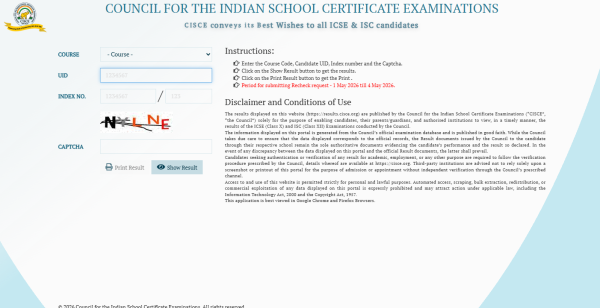
CISCE ICSE, ISC Results 2026 Out At results.cisce.org; Direct Link Here
-
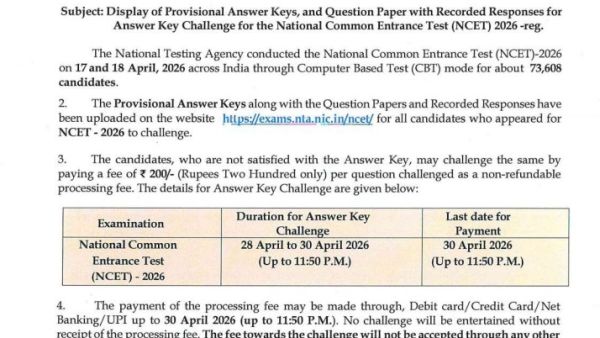
NCET 2026 Objection Window Closes Today At 11.50 PM; Here's How To File Objections Before Deadline