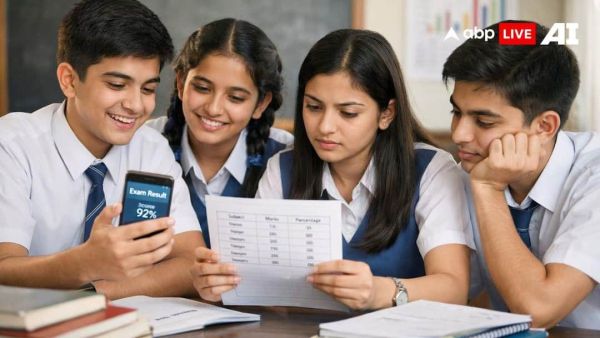
ICSE 10th Result 2026: Amid growing buzz around the Council for the Indian School Certificate Examinations declaring the ICSE Class 10 Result 2026 today (April 22), there is still no official announcement from the board. Several reports had suggested a possible release date, but authorities have not issued any confirmation so far.
Students and parents are advised to rely only on official sources, as the result date will be updated on the board’s website once it is finalised.
According to recent TOI reports, the ICSE Class 10 results will not be declared on April 22, 2026. Claims circulating on social media have been described as ‘false and baseless’. Officials have reportedly clarified that the notice going viral is ‘fake’.
The results are now expected to be announced towards the end of April 2026. Here’s the latest update, expected date, and how to check your results quickly.
Where to Check ICSE, ISC Results 2026
Once released, students can access their results online through the official websites of CISCE. The main portals include:
- cisce.org
- results.cisce.org
How to Check ICSE Class 10 Result 2026 Online
Step 1: Visit the official CISCE website at results.cisce.org.
Step 2: Click on the “Results” section on the homepage.
Step 3: Select the ICSE Class 10 Result 2026 link.
Step 4: Enter your Unique ID and Date of Birth.
Step 5: Click on submit to view your results.
Step 6: Download and take a printout for future use.
Steps to Check ICSE & ISC Results via SMS
Step 1: Open the SMS app on your mobile phone.
Step 2: For ICSE (Class X): Type ICSEUID.
Step 3: For ISC (Class XII): Type ISCUID.
Step 4: Send the message to 09248082883.
Step 5: Your result will be sent to your mobile via SMS.
Rechecking and Re-evaluation Process Explained
After the declaration of results, students who are not satisfied with their marks can apply for rechecking. If they remain dissatisfied with the recheck outcome, they will have the option to apply for re-evaluation of answer scripts.
The application for re-evaluation can be submitted through the “Public Services” section available on the official CISCE website.
Students are advised to keep their login credentials ready and monitor official updates closely to avoid missing important deadlines.
-
Deepika Padukone’s pregnancy rocks Raaka, big decision taken

-
Is Your Watermelon Safe? How to Check If Your Fruit Is Injected

-
CBI nabs man absconding for 14 years in Rs 60.86 lakh bank fraud
-
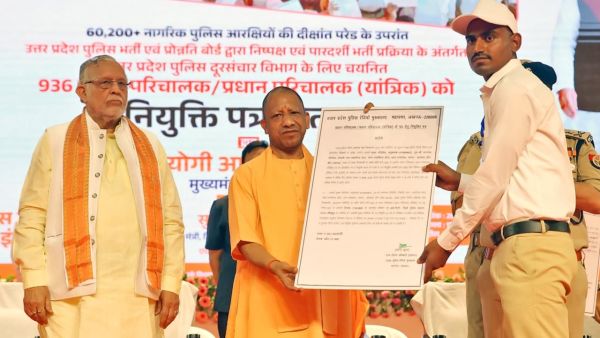
UP Police Telecom Bharti 2026: 936 candidates received appointment letters, youth expressed gratitude to Yogi government. Up Police Telecom Bharti 2026 936 Candidates Receive Appointment Letters Youth Express Gratitude To The Yogi Government
-
This way of eating celery is absolutely wrong! ‘This habit of yours can cause harm instead of benefit’ – News Himachali News Himachali