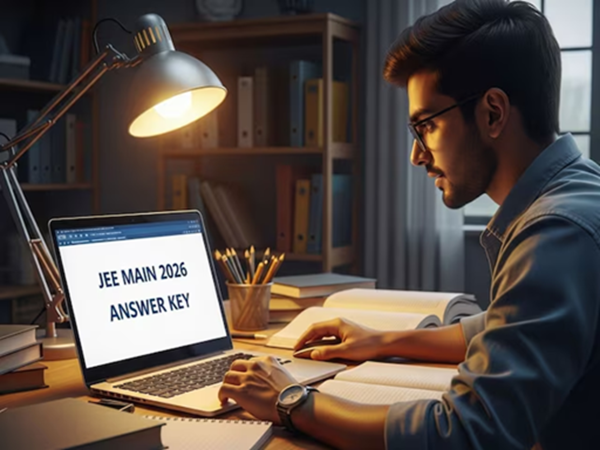
JEE Main 2026 Session 2 Answer Key: The National Testing Agency (NTA) has released a major update for the lakhs of students who appeared for the JEE Main 2026 Session 2 examination. Specifically, the NTA released the provisional answer key and response sheets for the JEE Main 2026 Session 2 exam on April 11, 2026. Students can now cross-check their submitted responses and, if they identify any errors in a particular question, they may also file an objection against it.
Where and How to View the Answer Key?
Students who appeared for the April session examination can now visit the official website—jeemain.nta.nic.in order—to view their answer keys and response sheets. To do so, students must log in by entering their application number and password. Upon logging in, the answer key will appear on the screen, which students can download and save for future reference.
Opportunity to File Objections
The NTA has also provided students with an opportunity to raise objections regarding the answer key. The process for filing objections commenced on April 11 and will remain open until 11:50 PM on April 13. If a student believes that the provided answer to a specific question is incorrect, they may challenge it.
What is the Fee for Filing an Objection?
Students are required to pay a fee of ₹200 for filing an objection against each specific question. This fee is charged on a per-question basis. Please note that this fee is non-refundable; that is, it will not be reimbursed.
JEE Main 2026 Session 2 Answer Key: How to Download the Answer Key?
Step 1 – Students should first visit the official website: jeemain.nta.nic.in.
Step 2 – Next, click on the link labeled ‘JEE Main 2026 (Session 2) Answer Key’ located on the homepage.
Step 3 – Now, enter your application number and password in the designated fields.
Step 4 – After submitting your details, your answer key will be displayed on the screen. Step 5 – Download and save it.
Disclaimer: This content has been sourced and edited from News18 Hindi. While we have made modifications for clarity and presentation, the original content belongs to its respective authors and website. We do not claim ownership of the content.
-
Bank FDs vs. Small Savings Schemes: Which One Holds the Edge? Check the Complete List Here Before Investing..

-
Major Relief for Homebuyers: NCLAT Ruling Resolves Their Biggest Concern..

-
Say Goodbye to Tax Hassles! The New ‘Kar Saathi’ Has Arrived—It Will Help You File Your ITR in a Flash..

-
How Far Is Earth from the Sun? Key Facts About Distance, Orbit, and Light Travel Time
-
World’s Toughest Exams Explained: Why UPSC and IIT-JEE Are Among the Hardest