How to hide sensitive photos in Google Photos
Gadgets Now | April 12, 2026 9:39 PM CST

 You can save sensitive photos and videos to a folder protected by your device screen lock in the Google Photos app. Items in Locked Folder won’t appear in the Photos grid, memories, search or albums and won’t be available to other apps on your device that have access to your photos and videos. The Locked Folder is designed to be private and not shared. If you want to share a photo or video stored in Locked Folder, you must first move it out of the folder.
Locked Folder is protected by Google Photos’ standard encryption practices.
How to set up Locked Folder
Important:
The first time you try to move photos and videos to Locked Folder, you’re prompted to set it up.
- Your Locked Folder password is the same as your Google Account password. You can’t use a different Locked Folder password.
- People who have access to your Google Account password can unlock the Locked Folder.
- If you create a Locked Folder on your mobile device and don’t turn on backup, you won’t be able to find items in the folder on the web.
Move photos or videos to Locked Folder
Important:
- If you move items to Locked Folder on your computer, they'll be visible in Locked Folder on your other devices.
- When you move photos and videos to Locked Folder, related items aren’t moved. This includes copies, edited versions, and shared photos and videos saved by others.
READ NEXT
-
What is FD Laddering? An Easy Way to Maximize Returns on a ₹1 Lakh Investment

-
Trump’s 2020 Post On Iran Goes Viral, Tehran Trolls US President

-
World Health Day 2026: Think You’re Healthy? These 7 Daily Habits Might Be Harming You

-
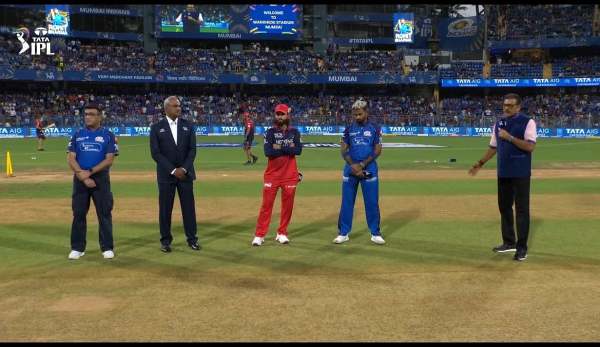
MI VS RCB: Hardik Pandya Wins Toss, RCB Batting First In Crucial IPL 2026 Clash At Wankhede
-
UK Diaspora and Artists Pour Heartfelt Tributes To Asha Bhosle, Celebrating The 'Sound Of Bollywood' And Her Enduring Musical Legacy