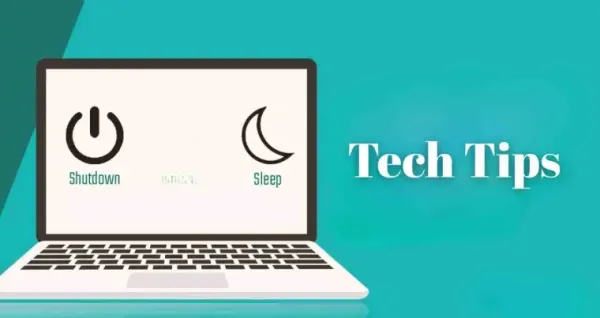
It is important for computer users to understand the difference between Shutdown and Sleep modes. Sleep mode allows quick wake-up of the system during short breaks, while shutdown is beneficial when not in use for a long period of time. Choosing the right option saves battery, keeps the system secure, and reduces technical issues.
Tech Tips: Selecting Shutdown and Sleep mode in computer usage is important for your system security and battery saving. Sleep mode is best suited for short breaks because it wakes up the computer quickly and eliminates the hassle of reloading apps. At the same time, if you are not using the computer for a long time, then shutting it down is beneficial, because it saves energy, parts remain safe and bugs get fixed automatically. Selecting the right mode increases the performance and lifespan of your PC.
Benefits of sleep mode and when to use it
If you are taking a break from the computer for some time, sleep mode is the best option. In this mode the system wakes up quickly and you don’t have to wait for it to boot or reload apps.
In sleep mode, the system uses less power, but the battery continues to drain slowly. Hibernate mode is also available in Windows, which further reduces battery consumption when taking long breaks. Apple systems also consume less energy in sleep mode.
Benefits of shutdown and when to use it
If you are not going to use your computer or laptop for several days, it is better to shut it down. Staying off for long periods of time saves battery and prevents system parts from generating heat.
Another advantage of shutting down is that minor bugs and technical glitches get fixed when the system is restarted. This makes the computer perform better in future.
-
Aadhaar Card: What to Do with an Aadhaar Card If Someone Passes Away? Learn the Complete Step-by-Step Process..

-
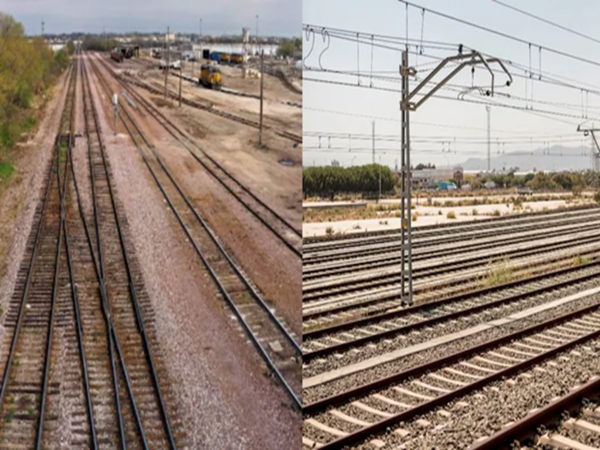
Railway Tracks to be Monitored Using AI; Railways to Install Modern Composite Sleepers..
-
Repo Rate: Banks Haven't Lowered EMIs, Yet Home Loan Borrowers Are Saving Lakhs—What Is the Secret Behind These Savings?

-
Don't Panic Over RBI's Rule on ₹10,000 Transactions; This Trick Enables Even Large Payments in the Blink of an Eye.
-
Pension News: What Happens to Your Pension If You Move Abroad? Learn the New Rules for NPS and EPF