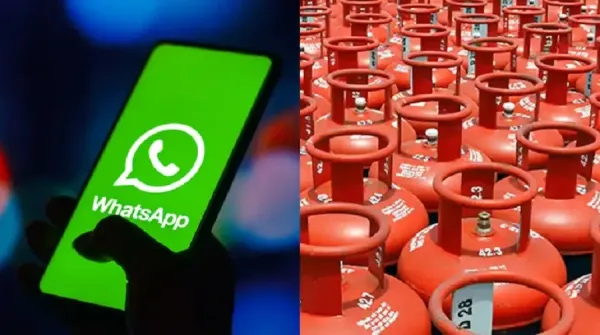
Friends, in view of the increasing gas shortage in the country, it has become very difficult to get a cylinder, in such a situation, updating your registered mobile number with your gas company has now become very fast and easy. You can complete this entire process through WhatsApp in just a few easy steps, let us know the easy way-
1. Start with a simple message
To start the process, send a message saying “Hi” to your gas company’s official WhatsApp number.
2. Select your language and service
When you find the answer, select the language you prefer. Then, go to “Other Services” option from the menu.
3. Select “Change Mobile Number”
From the list of services, select the “Change Mobile Number” option to proceed.
4. Enter your new mobile number
Carefully type your new mobile number which you want to update in the system.
5. Verify with OTP
A One-Time Password (OTP) will come on your new number. Enter that OTP to verify and confirm the update.
-
MP Board Results 2026: Madhya Pradesh Board Class 10 and 12 Results Likely to be Released by This Date—Check Latest Updates..
-
DDU Placements 2026: 92 DDU Engineering Students Secure Excellent Placements; IT and Computer Science Dominate..
-
Gujarat Teacher Vacancy 2026: Vacancies Announced for 11,000 Teacher Posts in Gujarat; Apply Starting April 15..

-
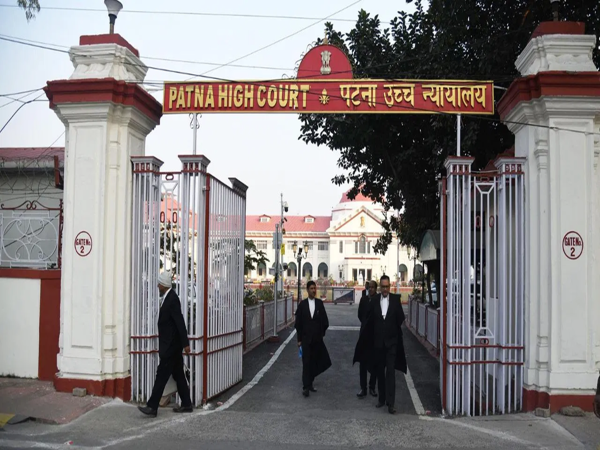
Patna High Court Recruitment 2026: Vacancies Announced at Patna High Court; Age Limit 37 Years—Check All Details, Including Salary..
-
UP Board Results 2026: Evaluation of UP Board Class 10 and 12 Answer Sheets Completed; Find Out When Results Are Expected..