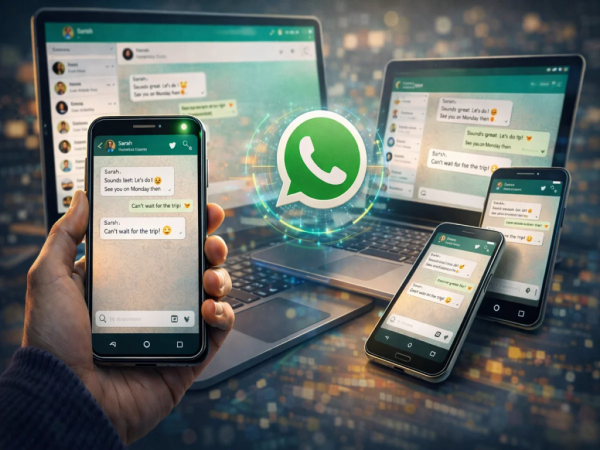
WhatsApp, one of the world’s most popular messaging platforms, has introduced an important feature for users. With the help of this feature, users can now You can use the same WhatsApp account on multiple devices।
This feature is especially useful for those who use different devices like smartphones, tablets, laptops or desktops.
With this new feature, users can easily access their chats, photos, videos and calls on different devices while keeping them safe.
What is the multi-device feature of WhatsApp?
WhatsApp’s multi-device feature users Allows you to link up to four additional devices to one main account।
These devices may include:
- smart fone
- tablet
- laptop
- desktop computer
Once linked, each device can connect to WhatsApp independently and users can continue their conversations.
Benefits of multi-device feature
This feature offers several benefits:
Use one account on multiple devices
Users can link their WhatsApp accounts to up to four devices simultaneously.
independent connection
Linked devices connect directly to WhatsApp servers.
End-to-end encryption
All messages, media and calls remain completely secure.
Ease of device switching
You can continue chatting from different devices without logging out.
Beneficial for business users
WhatsApp Business users can respond to customers from multiple devices.
important things
Keep a few things in mind before using this feature:
- a WhatsApp account four additional devices may be linked to
- Linked devices may log out if the main phone is inactive for a long period of time
- Initially this feature Android device was issued for
How to use the same WhatsApp account on multiple devices
If you want to use WhatsApp on multiple devices, follow these steps:
Step 1: Install WhatsApp on another device
Install WhatsApp on your other phone, tablet, or computer.
Step 2: Select Link a Device option
on the registration screen Link a Device Select option.
Step 3: Open WhatsApp on the main phone
Open the WhatsApp app on your primary phone.
Step 4: Go to Linked Devices option
Settings going in Linked Devices Select option.
Step 5: Scan QR Code
Scan the QR code displayed on the other device.
After this your WhatsApp account will be activated on both the devices.
Avoid changing devices frequently
According to WhatsApp, if a user frequently changes accounts across different devices, account verification may be temporarily blocked due to security reasons.
So link new devices only when needed.
The multi-device feature of WhatsApp is proving to be very useful for the users. With this, users can use the same account on multiple devices and continue their chat from anywhere.
This feature provides users with greater flexibility and convenience while maintaining end-to-end encryption for security.
-
IMD Weather Alert: Stormy in 9 states in next 15 hours

-
Arun Kumar Singh warns of India's West Asia energy dependence

-
Indian companies work with lawyers, share ownership details amid sanctions

-
NASA's Artemis II returns after record 406770km flight

-
"The way Vaibhav batted in powerplay made difference": Patidar credits Sooryavanshi after RCB's 6-wicket loss to RR