Friends, in today’s modern era, WhatsApp is the most popular instant messaging app in the world, through which you can send messages, videos, photos to each other, can make video calls, that is why it has more than 3 billion users in the whole world, WhatsApp offers many features for these users, such a feature is a similar feature, which has a similar feature, which is a feature of your phone. Is. If it is kept on, then this feature can fill your device quickly with unwanted photos and videos, let’s know how to manage it-
What is media visibility feature?
This option decides whether the media files you get on Whatsapp (photos, videos, GIF) will automatically appear in your phone’s gallery.
By default, if it is on, every obtained file is saved on your device – which reduces storage space over time.
Why should you stop it?
This prevents your gallery from filling with unnecessary files.
Saves your phone’s precious storage.
Keeps your personal gallery more private and organized.
How to stop media visibility for all chats
Open Whatsapp and go to Settings.
Tap on chats.
Find media visibility options and close it.
How to turn it off for personal chat
Open the chat where you want to shut down media visibility.
Tap in the name of the contact or group at the top.
Scroll down to find media visibility and close it.
Disclaimer: This content has been sourced and edited from (TV9Hindi)
-
Spending Too Much Time On Screens? Follow These Healthy Habits That Can Help Reduce Strain
-
'Get To Chepauk ASAP': R Ashwin's Funny Remark On Anshul Kamboj 'Lookalike' At Vijay's Swearing-In Sparks Viral Buzz
-
JEE Advanced 2026 Admit Card To Be Out Tomorrow At jeeadv.ac.in; Here’s How To Access Admit Card
-
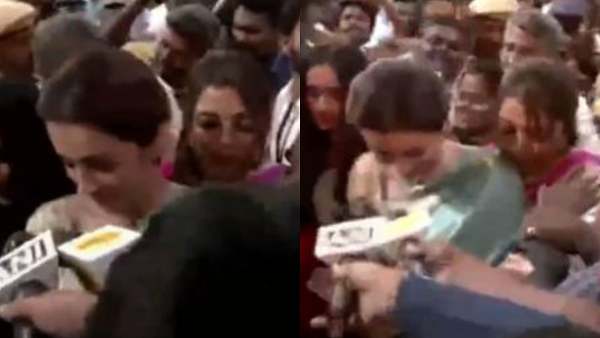
Trisha Krishnan Gets Mobbed, Pushed While Leaving Chennai Stadium After Rumoured BF Vijay's Tamil Nadu CM Oath Ceremony- VIDEO
-
Minecraft Bedrock Edition 26.20 update brings Closed Captions and Chaos Cubed experimental features, complete changelog here